.png)
ncpa.cpl Command: Access Network Settings Quickly in Windows

Updated: Sep 21
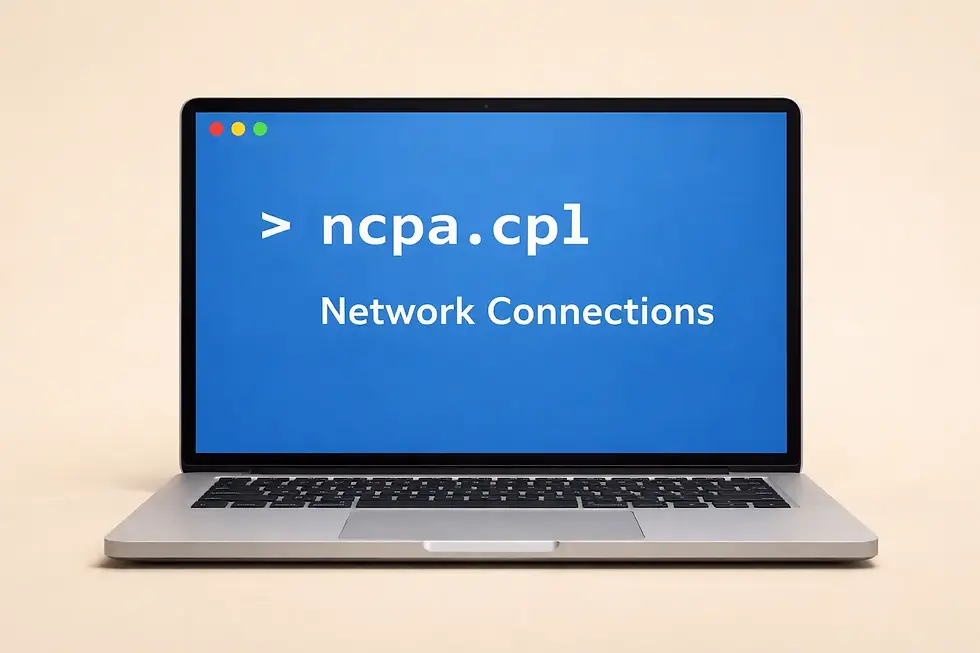
Overview | Ncpa.cpl Command
If you're a Windows user, you may have come across the command ncpa.cpl. It's a handy shortcut used to directly access the Network Connections window in Windows operating systems. In this blog, we’ll break down what ncpa.cpl is, why it’s useful, and how to use it like a pro.
What is ncpa.cpl?
ncpa.cpl is a control panel shortcut (CPL file) in Windows that opens the Network Connections window. It provides quick access to all network adapters installed on your computer, such as Wi-Fi, Ethernet, and VPN connections.
In simple terms, it's a command that saves you time when managing your network settings.
How to Run ncpa.cpl Command
Here are a few easy ways to run ncpa.cpl:
Method 1: Using Run Dialog
Press Win + R to open the Run dialog box.
Type ncpa.cpl and press Enter.
The Network Connections window will appear.
Method 2: Using Command Prompt
Open Command Prompt
Type ncpa.cpl and hit Enter
Method 3: Using Windows Search
Click on Search in the taskbar
Type ncpa.cpl
Click the result to open Network Connections
What Can You Do in Network Connections?
Once you open the Network Connections window using ncpa.cpl, you can:
Enable or Disable network adapters
View adapter properties
Change IP address or DNS settings
Diagnose network problems
Create or manage VPN connections
Rename network connections
Why is ncpa.cpl Useful?
Saves time over navigating deep menus
Great for troubleshooting network issues
Handy for network configuration and management
Especially useful for IT professionals and network admins
Common Problems and Fixes
If the ncpa.cpl command isn't working as expected, these simple troubleshooting steps can help you restore access to the Windows Network Connections window.
ncpa.cpl doesn't open: Press Win + R, type the command again carefully, and ensure there are no spelling mistakes.
Run as Administrator: If you're unable to modify network settings, launch the command from an elevated Command Prompt or Windows Terminal.
Restart Windows Explorer: Open Task Manager, restart Windows Explorer, and try running the command again.
Use an Alternative Method: Open Control Panel → Network and Sharing Center → Change adapter settings if the command doesn't respond.
Repair Corrupted System Files: Run the System File Checker (SFC) and DISM commands to repair missing or damaged Windows files that may affect Control Panel applets.
Check Windows Updates: Install the latest Windows updates, as they may resolve bugs related to system utilities and networking components.
Restart Your Computer: A simple reboot can often resolve temporary issues preventing the command from launching properly.
When Should You Use the ncpa.cpl Command?
You may not use ncpa.cpl often, but it’s very handy when dealing with network issues. It opens the Network Connections window directly, saving you from digging through multiple Settings menus. This command is useful when a Wi-Fi or Ethernet connection isn’t working properly, an adapter needs to be restarted, or you want to check network properties quickly.
Since this panel has stayed mostly unchanged across Windows versions, it remains a reliable way to manage network adapters, even when Windows settings keep moving around. If you like quick and direct solutions, ncpa.cpl is a simple command worth remembering.

Conclusion
The ncpa.cpl command is a quick and powerful shortcut to manage your network settings in Windows. Whether you're troubleshooting an issue, changing IP settings, or simply checking your network status, this command is a must-know tool for every Windows user.
Next time you need to access your network connections, skip the clicks and type ncpa.cpl!
Author: Kalyan Bhattacharjee
Category: Windows | Tech Reviews | Productivity
Expertise: Technology Analyst, Winodws Reviewer & Content Specialist
Source: Hands-on testing and long-term app usage experience
📚 Keep exploring - Here are more tech blogs you’ll love:



Comments