.png)
What Is Firmware? A Simple Explanation That Actually Makes Sense

Updated: Sep 16

Introduction | What is Firmware
If you’ve ever updated your router, BIOS, or smartphone system and seen the term firmware, you might have wondered what it actually means.
It’s not quite software, not exactly hardware, but something in between. Let’s break it down clearly.
What Is Firmware?
Firmware is a type of software that is permanently or semi-permanently embedded into a hardware device to control how it functions.
👉 In simple terms: Firmware is the software that tells hardware how to work. It acts as a bridge between hardware and higher-level software like operating systems.
Why Firmware Is Important
Without firmware, hardware wouldn’t know what to do. For example:
A keyboard wouldn’t know how to send input
A router wouldn’t know how to manage internet traffic
A computer wouldn’t know how to start up
Firmware ensures that devices can function right from the moment they are powered on.
Where Is Firmware Found?
Firmware exists in almost every electronic device:
Computers (BIOS/UEFI)
Smartphones
Routers and modems
Printers
Smart TVs
Embedded systems (like washing machines, cars, etc.)
If a device has electronics, it likely has firmware.
How Firmware Works (Simple Explanation)
When you power on a device:
Firmware starts running immediately
It initializes hardware components
It checks system status
It loads the operating system (if applicable)
For example, in a computer:
Firmware (BIOS/UEFI) starts first
Then the operating system (like Windows) loads
So firmware acts as the starting point of all operations.
Firmware vs Software vs Hardware
This is where most confusion happens.
Component | Role |
Hardware | Physical parts (CPU, RAM, motherboard) |
Firmware | Controls hardware behavior |
Software | Applications and operating systems |
👉 Think of it like this:
Hardware = Body
Firmware = Basic instructions
Software = Advanced tasks
Types of Firmware
Firmware is generally categorized based on how it’s stored, updated, and the level of control it has over the hardware. It is broadly divided into two types:
Low-Level Firmware
Stored in ROM or flash memory
Rarely changes
Example: BIOS/UEFI
High-Level Firmware
Can be updated easily
Found in devices like routers or smartphones
Adds new features and fixes bugs
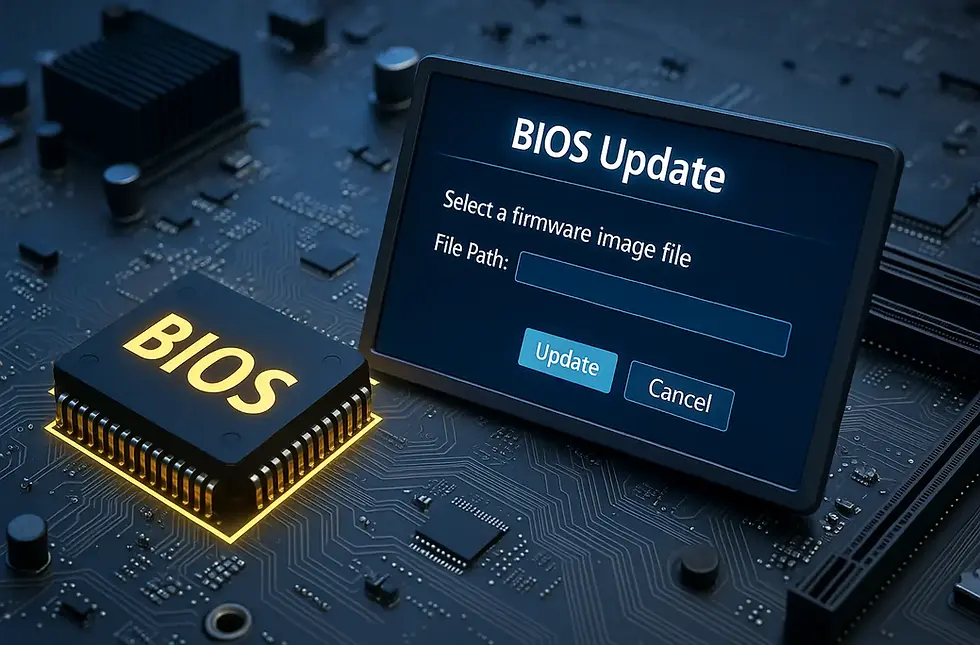
What Is a Firmware Update?
A firmware update is when the device’s internal software is upgraded.
Updates usually:
Fix bugs
Improve performance
Patch security issues
Add new features
Example:
Router firmware update improves network stability
Smartphone firmware update improves battery or security
Is Firmware the Same as an Operating System?
No. Firmware is more basic and runs at a lower level.
Firmware starts first
OS runs after firmware
Firmware controls hardware directly
The operating system depends on firmware to function properly.
Is Firmware Important for Security?
Yes - very important. Outdated firmware can:
Have security vulnerabilities
Be exploited by attackers
Cause system instability
👉 Keeping firmware updated is critical for device safety.
Common Misconceptions About Firmware
Understanding these misconceptions helps clarify what firmware actually does and why it plays a critical role in how devices function.
Firmware is just software: It’s software, but tightly integrated with hardware.
You don’t need to update firmware: Updates often fix serious security issues.
Firmware updates are risky: They can be, but following proper steps makes them safe.
When Should You Update Firmware?
You should update firmware when:
A security patch is released
You face bugs or performance issues
New features are available
But avoid unnecessary updates unless needed, especially on stable systems.

Final Thoughts
Firmware is one of the most important, and most overlooked parts of any electronic device. It quietly ensures that hardware works correctly and communicates with the software you use every day. You rarely interact with it directly, but without firmware, nothing would function properly.
👉 In simple terms: Firmware is the foundation that makes modern electronics work.
📚 Keep exploring - Here are more tech blogs you’ll love:


Comments