
Exploit Protection | Best Practices for Windows, Linux, and Mac

Updated: Sep 25
Introduction | What Is Exploit Protection?
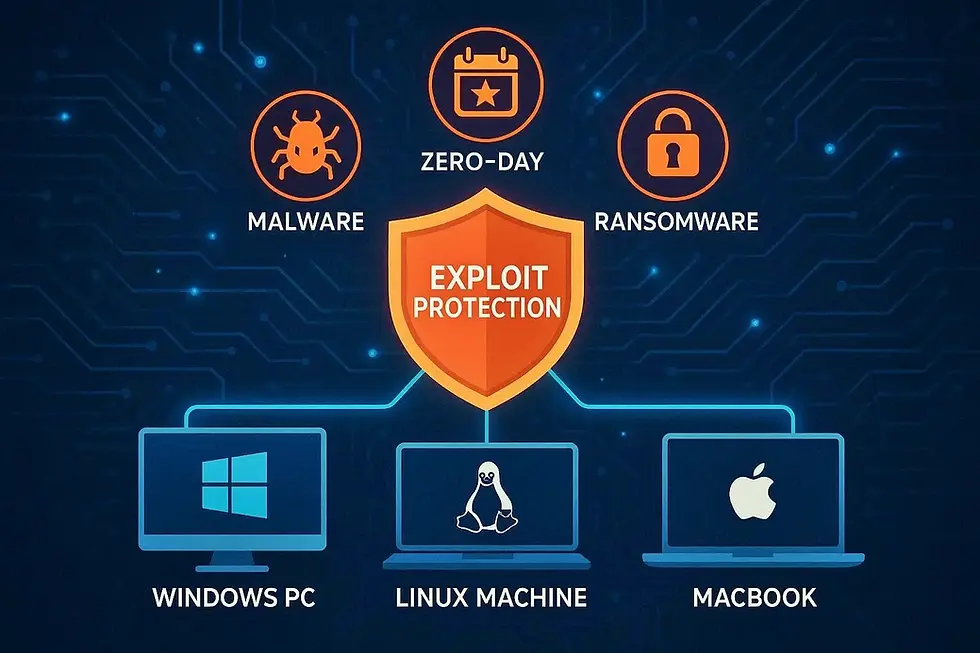
Cyberattacks are evolving fast, but one threat remains consistently dangerous across all platforms: exploit attacks. Instead of tricking users into clicking something malicious, attackers target software vulnerabilities - bugs in the operating system, browser, or applications, and use them to take control of a device silently. Whether you’re on Windows, Linux, or macOS, exploit attacks are a real and growing risk. The good news?
With the right defenses, you can significantly reduce exposure and keep your system secure. This guide explains what exploit attacks are, how they work, and the best protection strategies for each operating system.
What Are Exploit Attacks?
An exploit is a piece of malicious code designed to take advantage of a security flaw in software. Attackers use these exploits to:
Execute unauthorized code
Escalate privileges
Install malware or ransomware
Steal data
Bypass system protections
Exploits often target browsers, PDF readers, office apps, kernel drivers, outdated os components and network services. Unlike phishing, exploit attacks can happen silently, without the user clicking anything.
How Exploit Attacks Work (Simple Breakdown) 🔍
A vulnerability exists in an app or system component.
The attacker creates exploit code to target it.
The exploit is delivered via a malicious website, file, email, or network connection.
The exploit triggers the vulnerability.
The attacker gains control or injects malicious payloads.
This can happen in milliseconds - often before antivirus tools notice anything.
Best Practices for All Operating Systems (Universal)
Regardless of the OS, these protections apply everywhere:
Keep Your System Updated ✔
Most exploit attacks succeed because users delay updates. Patch your OS, apps, browsers, and drivers regularly. Timely updates close known vulnerabilities before attackers can take advantage of them.
Use a Modern Browser ✔
Chrome, Firefox, Brave, and Edge have built-in exploit mitigations such as sandboxing, site isolation, and JIT hardening. These protections isolate risky processes, reducing the chances of malicious code compromising your system.
Remove Unused Software ✔
Every installed application is a potential attack surface. Eliminating unnecessary programs reduces vulnerabilities and keeps your system lean and secure.
Enable Firewall & Network Protections ✔
Block unauthorized inbound connections and limit exposure to vulnerable ports. A properly configured firewall can stop many exploit attempts before they even reach your device.
Use Strong OS-Level Protections ✔
Windows: SmartScreen, ASLR, Exploit Protection
macOS: Gatekeeper, System Integrity Protection (SIP)
Linux: AppArmor, SELinux
These built-in tools create multiple layers of defense that make exploit attacks far more difficult to execute.
Avoid Running Apps as Administrator ✔
Least Privilege = fewer successful exploits. Restricting elevated permissions limits the damage malware or exploit code can cause.
Use Security-Focused Extensions ✔
Script-blockers, anti-malware browser add-ons, etc. These tools help stop malicious scripts, trackers, and exploit kits from loading in your browser.
Defense Against Exploit Attacks on Windows 🪟
Windows is the most targeted OS due to its large user base, but it's also packed with strong security tools - many people simply don’t use them.
Enable Windows Exploit Protection 🔐
Go to: Windows Security → App & Browser Control → Exploit Protection
Enable features like:
DEP (Data Execution Prevention)
ASLR (Address Space Layout Randomization)
CFG (Control Flow Guard)
Memory Integrity
Stack Protection
These drastically reduce exploit success rates.
Turn On SmartScreen 🛡️
SmartScreen blocks malicious downloads and exploit-laced websites. It adds an extra verification layer that helps stop threats before they ever reach your system.
Keep Windows Defender Updated 🔄
Windows Defender increasingly catches exploit kits and malicious scripts in real time. Regular definition updates ensure it can detect the newest vulnerabilities and attack patterns.
Disable Unwanted Services
Remote Desktop, SMBv1, and legacy protocols are common exploit targets. Shutting down unnecessary services drastically reduces the number of entry points attackers can probe.
Use a Modern Email Client
Many Windows exploit attacks originate from malicious Office docs.Turn off macros unless absolutely required. A secure email client helps block dangerous attachments and prevents exploit-based payloads from executing.
Defense Against Exploit Attacks on Linux 🐧
Linux is often perceived as "secure by design," but that doesn’t mean it's immune. Exploits targeting kernels, X11, privilege escalation flaws, and misconfigured services remain common.
Enable SELinux or AppArmor 🔒
These frameworks restrict application behavior even if an exploit lands.
Ubuntu/Mint: AppArmor
Fedora/CentOS/RHEL: SELinux
Update Packages Regularly 📦
Use apt, dnf, or pacman to patch vulnerabilities quickly. Regular updates ensure your system receives the latest security fixes before attackers can exploit known flaws.
Remove Unnecessary Services 🗑️
SSH, FTP, database servers, Samba - disable anything you don’t use. Minimizing active services reduces your attack surface and helps prevent unauthorized access.
Avoid Running Browsers as Root 🚫
Simple but essential advice. Running as a normal user prevents exploit code from gaining full system control.
Enforce Firewall Rules 🔐
Use ufw, firewalld, or iptables to limit exposure. Strong firewall policies help block suspicious traffic and safeguard network-facing services.
Monitor Zero-Day Announcements 🚨
Linux communities publish advisories quickly - stay aware. Staying informed allows you to apply workarounds or patches before attacks spread widely.
Defense Against Exploit Attacks on macOS
macOS uses a strong sandboxing model and UNIX-based foundations, but attackers increasingly target macOS through browser exploits, app vulnerabilities, and misconfigured permissions.
Enable Gatekeeper (Always) ✔
Prevents unauthorized apps from running. This ensures only verified and trusted software can execute, reducing the risk of hidden malware.
Keep System Integrity Protection (SIP) On ✔
SIP blocks malicious apps from modifying system files. It creates a strong barrier that even advanced exploits struggle to bypass.
Update macOS & Xcode Command Line Tools ✔
Outdated Xcode tools have been exploited multiple times in recent years. Regular updates close critical vulnerabilities and keep development tools secure.
Use a Non-Admin Account Daily ✔
macOS encourages this, but many users still run everything as admin. Limiting privileges helps contain attacks and prevents system-wide damage.
Disable Adobe Flash, Java, and Legacy Plugins ✔
Most known macOS exploits came from outdated plugins. Removing them eliminates easy entry points commonly abused by attackers.
Secure Safari ✔
Enable:
Fraudulent website warning
Sandbox protections
Block pop-ups and trackers
Advanced Exploit-Mitigation Techniques (For Power Users)
If you want maximum protection:
✔ Use Virtualization/Containerization
Run risky apps inside:
VirtualBox
VMware
QEMU
Docker
✔ Harden Browser JIT Settings: Disable JavaScript JIT in browsers if security > performance.
✔ Use Application Sandboxing Tools: Windows Sandbox, Firejail (Linux), Sandboxie.
✔ Deploy Network Intrusion Detection: Tools like Snort, Suricata, or OSSEC add an extra security layer.
Signs Your System May Have Been Exploited 🚨
Sudden spikes in CPU or RAM usage
Unknown processes running
Browser redirects or extensions you didn’t install
Disabled antivirus or firewall
Pop-ups or background tasks
Modified system files
When in doubt → isolate → disconnect → scan → repair.

Closing Notes 🎯
Exploit attacks aren't going away. In fact, as software grows more complex, exploitable bugs will keep appearing. The key is not to aim for perfect security, but to reduce your attack surface so significantly that exploits become difficult or impossible to execute successfully.
With proper updates, OS-level protections, sandboxing, and cautious online behavior, Windows, macOS, and Linux users can stay far ahead of modern exploit threats.
Strong security isn’t about being unbreakable - it’s about being a much harder target.
📚 Keep exploring - Here are more tech blogs you’ll love:
Disclaimer: The information in this blog is for educational purposes only and does not constitute professional cybersecurity advice. While every effort has been made to ensure accuracy, users should consult trusted security experts or official resources for advanced guidance. Always exercise caution when handling suspicious emails, links, or messages.



Comments